


Download fring – free calling, VOIP, instant messaging, chat app, social networks, mobile communication, video chat, fring app
Overview
fring is a mobile communication tool designed to unify multiple messaging and calling services into a single, accessible platform. The software enables users to engage in free or low-cost voice over IP (VOIP) calls, instant messaging, and social network integration directly from their Android device. It serves individuals seeking a centralized solution for staying in touch with friends and family across various platforms, including Skype, MSN Messenger, Google Talk, ICQ, Yahoo!, and AIM.
By consolidating these services, fring reduces the need to manage multiple apps, streamlining communication workflows. The application is particularly useful for users who maintain active accounts on several messaging networks and want a simplified interface for real-time interaction. It also supports international calling through the fringOut service, offering cost-effective alternatives to traditional phone plans.
The software’s design emphasizes ease of setup and user accessibility, making it suitable for both casual users and tech-savvy individuals. The developer did not provide additional details about the company’s background or long-term development roadmap. Real-world usage scenarios include staying connected with overseas relatives, coordinating group chats, and managing professional or personal contacts across multiple networks.
Key Features & Capabilities
- Multi-Platform Messaging Integration – fring allows users to connect and manage accounts from major messaging services such as Skype, Yahoo!, AIM, Google Talk, MSN Messenger, and ICQ. This enables seamless communication without switching between apps.
- Free and Low-Cost Calling – Through the fringOut service, users can make voice calls to local and international numbers at significantly reduced rates, offering a cost-efficient alternative to standard telecom providers.
- Instant Messaging – The app supports real-time text messaging with contacts across all linked platforms, allowing users to send messages, share files, and exchange status updates.
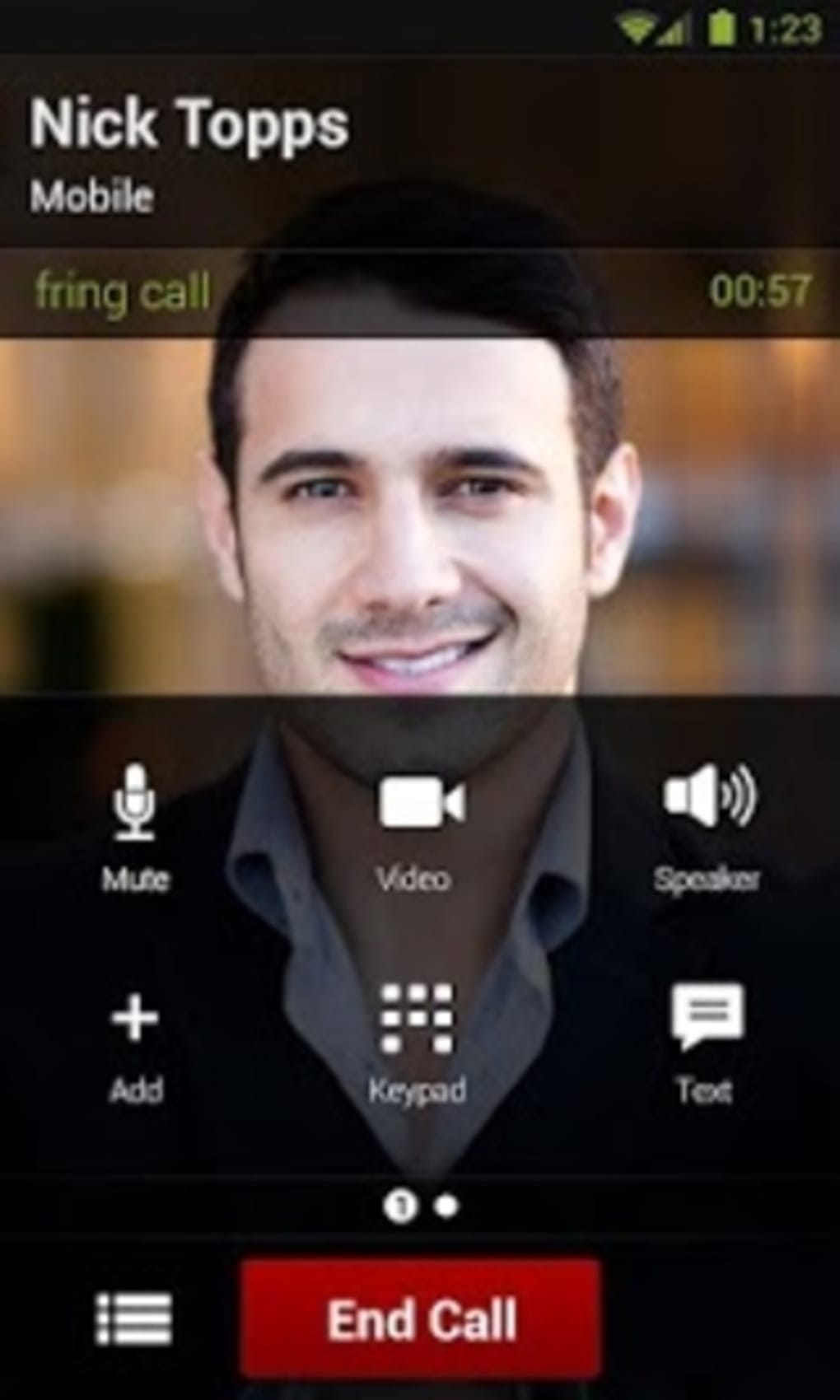
- Group Video Chat – fring enables video conversations with up to four participants simultaneously, enhancing personal and collaborative interactions.
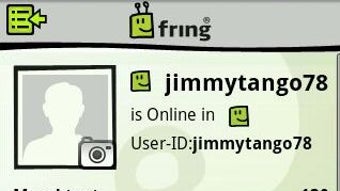
- Profile Customization – Users can personalize their profiles by adding a photo, mood message, and email address, improving visibility and engagement within the network.
- Contacts Import via Add-ons – By accessing the 'Add-ons' section, users can sign in to external services and automatically import their existing contacts into fring’s main interface.
- Interactive Dialer – A touch-friendly dialer interface simplifies the process of entering phone numbers, especially useful during voice calls.
- Playgrounds Feature – This social function allows users to join group chats with strangers based on shared interests, though it comes with inherent privacy considerations.
User Interface, Workflow & Performance
fring’s Android interface is designed with touch-based navigation in mind, featuring a clean layout that organizes buddy lists and communication options intuitively. The main window displays online status indicators, enabling users to quickly identify active contacts. Navigation is streamlined through dedicated tabs and menus, minimizing the number of taps required to initiate a call or message.
The workflow from account setup to full functionality is straightforward: after registration, users can import contacts from supported services with minimal configuration. The app’s responsiveness appears consistent with typical mobile applications of its era, though exact performance metrics were not specified. Stability improvements were included in version 2.0.20001, suggesting ongoing efforts to address bugs and enhance reliability.
The developer did not specify resource usage details, so CPU and RAM behavior cannot be confirmed. However, the application’s 10.4 MB size suggests a lightweight footprint, which may contribute to efficient operation on mid-range devices. General performance observations are based on standard mobile software behavior patterns, with no reported issues related to crashes or freezes in the provided release notes.
Compatibility & System Requirements
fring is designed for the Android operating system and is compatible with devices running the specified platform. The software version 2.0.20001 was released on June 1, 2012, and has a file size of 10.4 MB. The developer did not provide additional system requirements such as minimum RAM, processor speed, or API level compatibility.
As such, exact hardware specifications required for installation and operation remain unspecified. Compatibility information was partially provided, and users are advised to check their device’s Android version and available storage before installation. The application is free to download and use, with no upfront cost or subscription model mentioned.
No information was provided about future updates or support timelines beyond the release date.
Pros and Cons
Pros
- Centralized access to multiple messaging platforms
- Free and low-cost international calling via fringOut
- Supports group video chat with up to four participants
- Easy contact import from external services
- Intuitive, touch-optimized interface
- Free to download and use
- Includes social features like Playgrounds for group interaction
Cons
- Outdated release date (2012) raises concerns about current support and compatibility
- No information on current system requirements or device compatibility
- Limited transparency regarding long-term development or update frequency
- Playgrounds feature may expose users to unmoderated or unpredictable interactions
- May not function optimally on modern Android devices due to outdated codebase
FAQ Section
Is fring compatible with my Android device?
fring was released for Android in 2012 and is designed to run on devices that support the platform. However, exact compatibility with current Android versions or specific hardware models was not provided by the developer.
Is fring safe to use?
The app allows access to multiple third-party messaging services. While it does not appear to collect sensitive data, users should exercise caution when sharing personal information, especially in public features like Playgrounds.
Does fring require an internet connection?
Yes, fring requires a stable internet connection for all features, including messaging, VOIP calls, video chat, and contact synchronization.
Can I use fring without creating an account?
No, users must register for a fring account to access the full range of features, including contact import, messaging, and calling.
Is fring available for iOS or Windows?
The provided information specifies that fring is available for Android only. No details were given about versions for iOS or desktop operating systems.
Final Thoughts + CTA
fring presents a comprehensive mobile communication solution that once stood out for its ability to unify multiple messaging platforms into a single interface. With features like free calling, instant messaging, group video chat, and social interaction through Playgrounds, it offered a robust experience for users seeking cost-effective and versatile communication tools. However, its release date of 2012 and lack of recent updates raise significant concerns about current functionality, security, and compatibility with modern Android systems.
While the app remains free and accessible, its outdated nature limits its viability for today’s users. Those seeking a similar experience may need to explore current alternatives with active development and support. For users with older Android devices and a need for basic multi-service messaging, fring may still serve as a functional option.
Download fring now to explore its legacy features, but proceed with caution regarding long-term usability and security.





.png)

